

Claude Code vs Codex: Which AI Coding Agent Fits Your Workflow?
Both can read, edit, test and review code. The real difference is how they fit into your workflow — local control, parallel delegation and everything between.
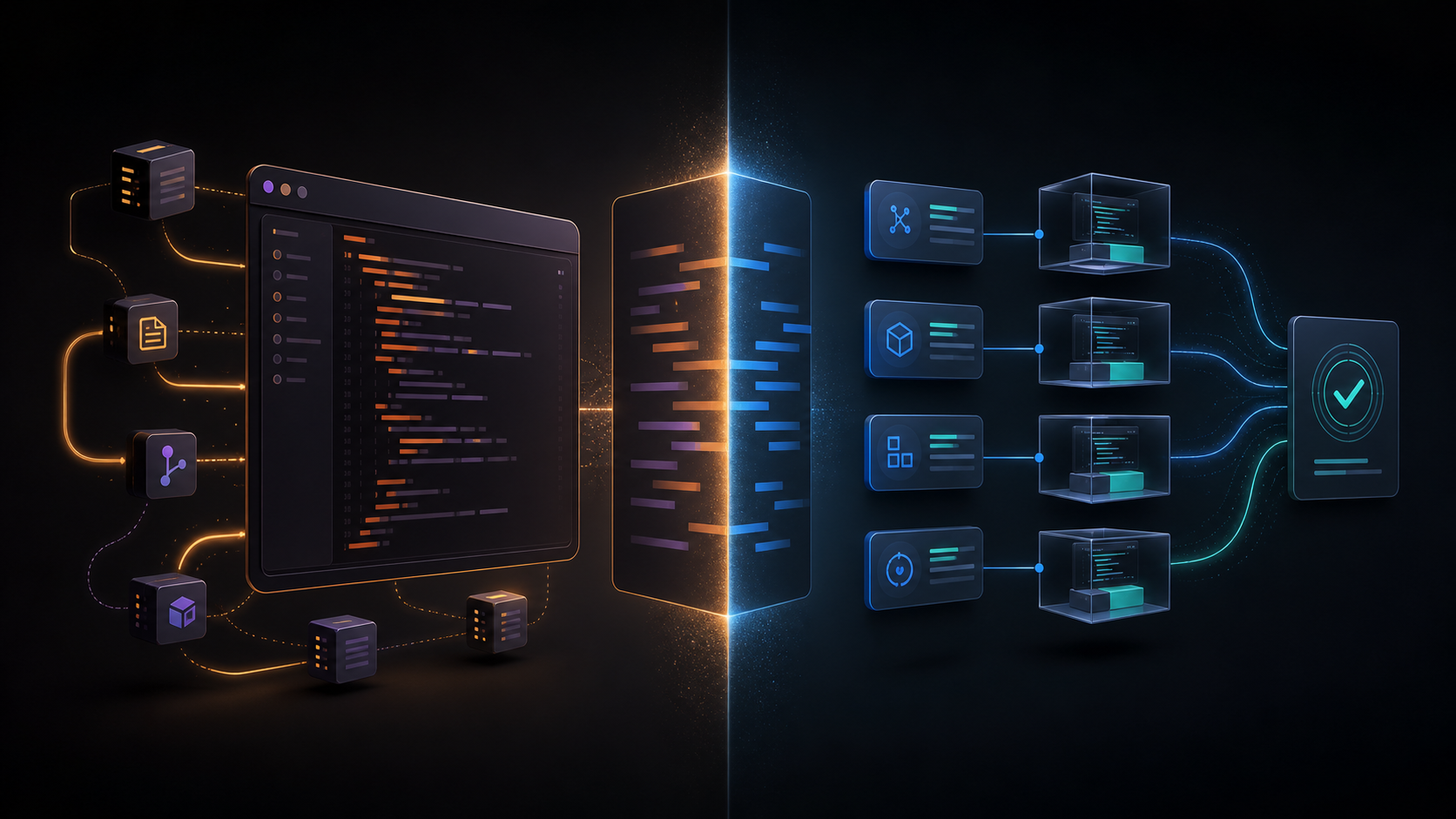
The old shorthand — “Claude thinks deeply; Codex moves fast” — has aged badly. Both agents can now understand large repositories, edit files, run commands, test changes, review diffs and work for long stretches. The useful question is no longer which model wins in the abstract. It is which operating model creates less friction for the way you actually ship software.
The comparison in one minute
- Claude Code feels most natural when the terminal is the control room and you want to inspect, steer and customize a long-running session closely.
- Codex feels most natural when work is a queue: start locally, hand tasks to isolated environments, run several in parallel and review the results when they are ready.
- Both can work locally, use external tools, follow repository instructions, delegate to subagents and participate in code review. The difference is emphasis, not a missing checkbox.
What actually separates them in 2026
1. The default operating model
Claude Code starts from the Unix idea of a powerful, composable terminal tool. It is comfortable inside scripts, CI pipelines and tightly controlled local workflows. Codex spans a wider first-party surface: ChatGPT on desktop and web, a CLI, an IDE extension, remote access and cloud environments. That breadth matters if you regularly switch devices or delegate work away from your laptop.
2. How delegation feels
Both products can break work into smaller jobs. The practical difference is how visible that delegation is. Codex makes parallel conversations and remote work a central part of the product experience; Claude Code often feels like one deeply steerable session that can call specialists when needed. If your backlog is ten independent tickets, Codex has the more obvious shape. If the task is one tangled migration with many dependencies, Claude’s terminal-centered flow can feel calmer.
3. Customization and team conventions
This is no longer a one-sided category. Claude Code offers project instructions, MCP connections, hooks, skills and subagents. Codex offers AGENTS.md, rules, MCP, hooks, skills, plugins and subagents. Claude’s ecosystem still appeals to teams that love shell-level composition; Codex is increasingly attractive when the same customization should extend beyond coding into a broader ChatGPT workspace.
4. Control, approvals and environments
Serious teams should compare permission models, sandboxing, network access, secrets, auditability and review flow — not just the quality of a demo prompt. Both agents provide controls here, but the safest default depends on where the job runs and what it can touch. Test with the exact repository, commands and credentials your team uses.
Choose Claude Code if…
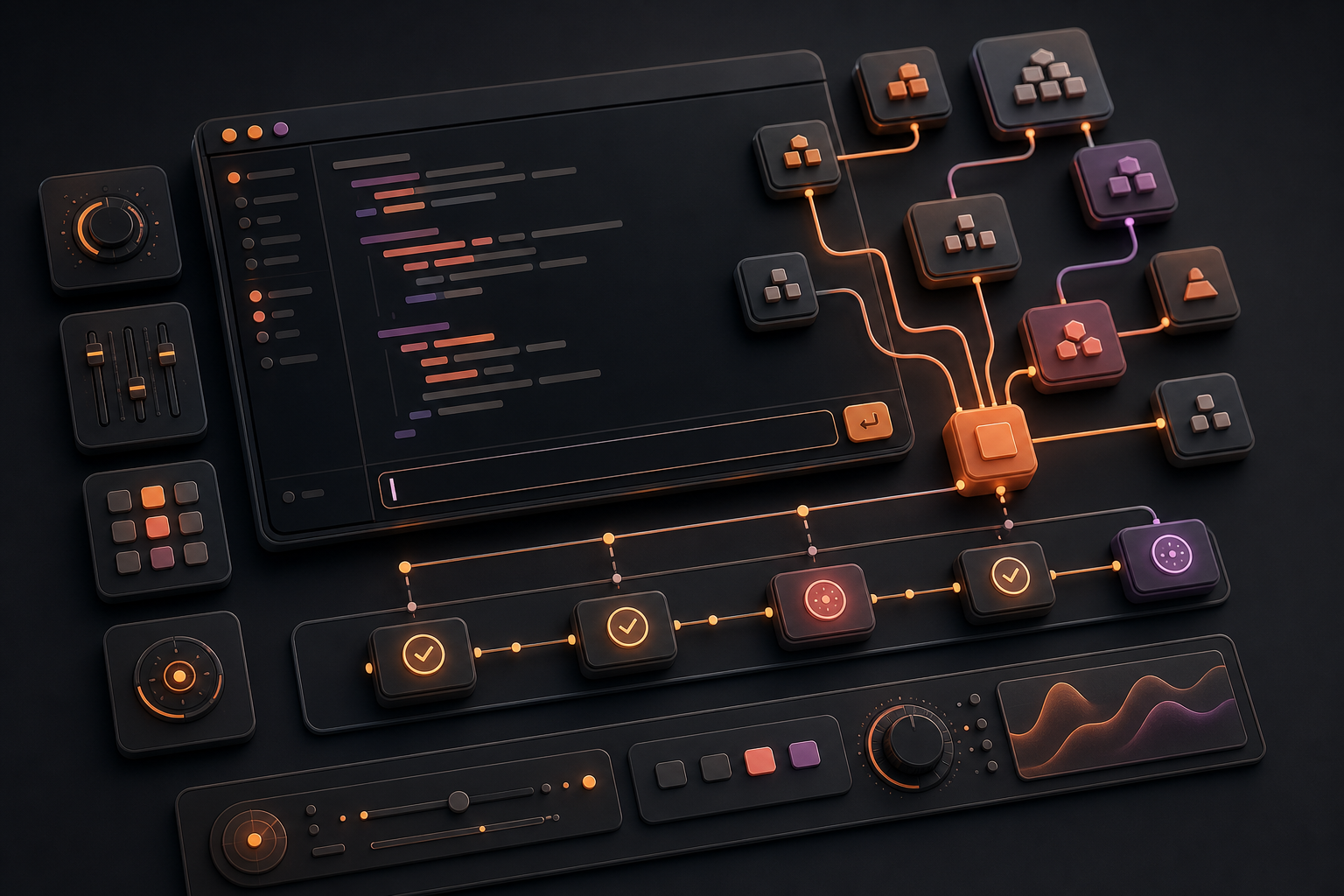
- You prefer the terminal to be the main interface and want the agent to feel like another composable developer tool.
- Your hardest work is a single, dependency-heavy task that benefits from frequent steering and inspection.
- You already have shell scripts, CI jobs, hooks or MCP services that you want to weave into the agent’s loop.
- Your team wants model access through Anthropic directly or through supported enterprise cloud providers.
Choose Codex if…
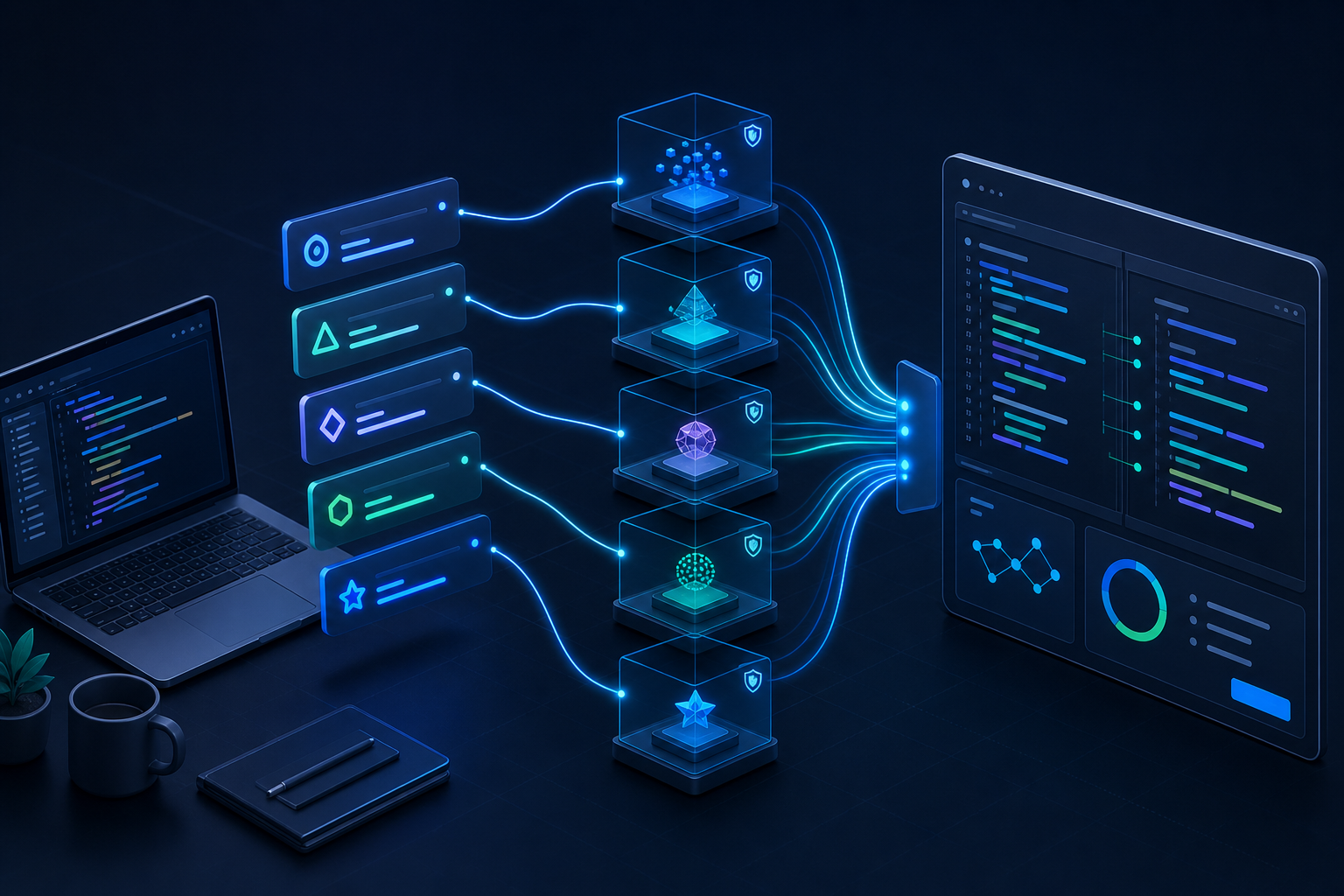
- You want to move between ChatGPT, desktop, CLI, IDE, remote sessions and cloud environments without changing mental models.
- You routinely have several independent tasks that can run in parallel while you continue working.
- You want coding work to share context with the rest of your ChatGPT workspace, tools and plugins.
- You value a broad product surface for building, testing, reviewing and shipping — not only a terminal agent.
Three real-world tests that reveal the difference
Test 1: Untangle a legacy monolith
Give each agent the same migration goal, the same failing tests and the same architectural constraints. Do not judge the first patch. Judge whether it maps dependencies correctly, proposes safe checkpoints, preserves behavior and explains risk. This test rewards context management and disciplined execution more than raw speed.
Test 2: Ship a weekend MVP
Split the work into a landing page, API, authentication and dashboard. Watch how easily you can fan out tasks, keep shared conventions consistent and merge the results. This exposes orchestration overhead: a fast agent is not useful if you spend the evening untangling four incompatible implementations.
Test 3: Review a risky pull request
Use a real change with subtle failure modes: permissions, money, concurrency or data migration. Measure signal, not comment count. The better reviewer finds the important defect, cites the exact path, proposes a minimal fix and avoids flooding the pull request with stylistic noise.
How to decide in 60 minutes
- 1. Pick one representative task from your own backlog — not a toy repository.
- 2. Give both agents the same brief, constraints and test command.
- 3. Record time to a passing change, number of human interventions, unnecessary diff size and review defects.
- 4. Repeat with one parallel task and one high-risk task. A single run is mostly noise.
- 5. Compare total engineering effort, including setup, steering and review — not token counts or wall-clock time alone.
Sources and update note
This comparison was refreshed in August 2026 using the official Claude Code documentation and OpenAI Codex documentation. Features, limits and plan availability change quickly, so recheck both before a team-wide rollout.
Which one are you using day to day — and what kind of task made the difference? Share the specific workflow, not just the winner.